

Sarah from Titan Power Plus5 min read

The short answer
Fix a phone that won't charge in four checks: clean the port, swap the charger and cable, restart, then book a repair. Android Authority names the USB-C port, for debris or moisture, as the first check on a Samsung phone1. A phone that charges on a different cable needs a new cable, such as the Titan Smart Cable.
Key takeaways
- Android Authority names a blocked or wet USB-C port as the first check for a Samsung phone that won't charge1.
- A different USB-C wall charger and cable rules out a faulty adapter or cable, Android Authority advises2.
- Samsung's One UI blocks charging by itself when the phone detects water inside the USB-C port3.
- A Samsung phone with no charging animation, even on a wireless charger, may need a Samsung inspection4.
Is the charging port blocked or wet?
Android Authority, read on 3 November 2026, says the first check for a Samsung phone that won't charge is the USB-C port, for debris or moisture1. Sand, lint and dust commonly build up in the port over years of use, Android Authority says5. Debris on only a few pins can stop a device from fast charging, Android Authority says6.
- A fine toothpick clears dust or foreign objects from the port, Android Authority advises7.
- A can of compressed air is the alternative if you are unsure about causing damage, Android Authority suggests8.
- Samsung's One UI automatically blocks charging when the phone detects water inside the USB-C port, Android Authority says3.
- Many modern Samsung Galaxy phones have IP67 or IP68 water resistance, according to Android Authority9.
| Spec | Titan Smart Cable™ (Upscaled) | 240W PrismCore Cable™ |
|---|---|---|
| Maximum power | up to 100W on USB-C PD | up to 240W |
| Maker's charge-speed claim | 50% in 20 minutes | 50% in 10 minutes |
| Data transfer | USB 3.1, 10 Gbps | not stated |
| Bend rating | 300,000+ | over 100,000 |
| Warranty | 2-Year Limited Warranty | 2-year warranty |
| Returns | not stated | 30-day return policy |

Is the cable or the charger at fault?
Android Authority advises plugging in with a different USB-C wall charger and cable to rule out a faulty adapter or cable2. Any Qi wireless charger should work as a second test, even one from a different brand, Android Authority says19. A phone that charges on the second setup points back to the first cable or adapter. A phone that fails on every setup points to the port, the software or the battery instead.
Could the software or the battery be the cause?
Holding Volume Down and Power for 10 to 20 seconds forces a Samsung phone to shut down and restart, Android Authority says20. Batteries and charge ports commonly degrade over three or more years of use, Android Authority notes21. Repeated plugging and unplugging can irreversibly wear out the charge port, Android Authority says22. USB-C ports can only survive a few thousand insertion cycles, according to Android Authority23.

When does the phone need a repair?
A device that no longer fast charges, or cannot transfer files over a data cable, may have a failing port, Android Authority says24. A Samsung phone that shows no charging animation even on a wireless charger may need a Samsung inspection, Android Authority says4. A new cable does not repair a worn port or an aging battery. A worn port or a tired battery needs a repair, not a purchase.
What to check before buying a replacement cable
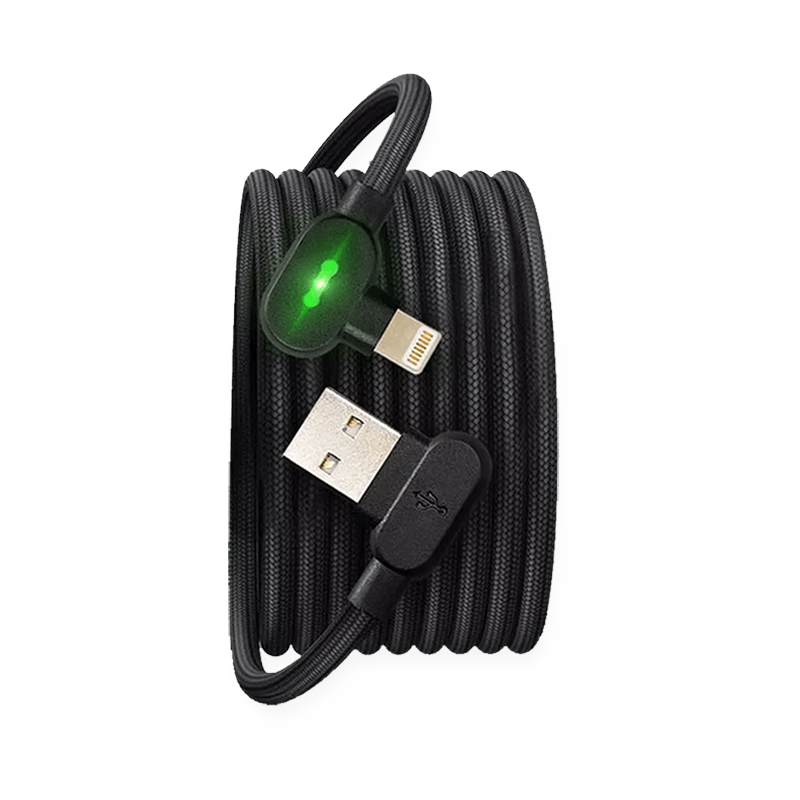
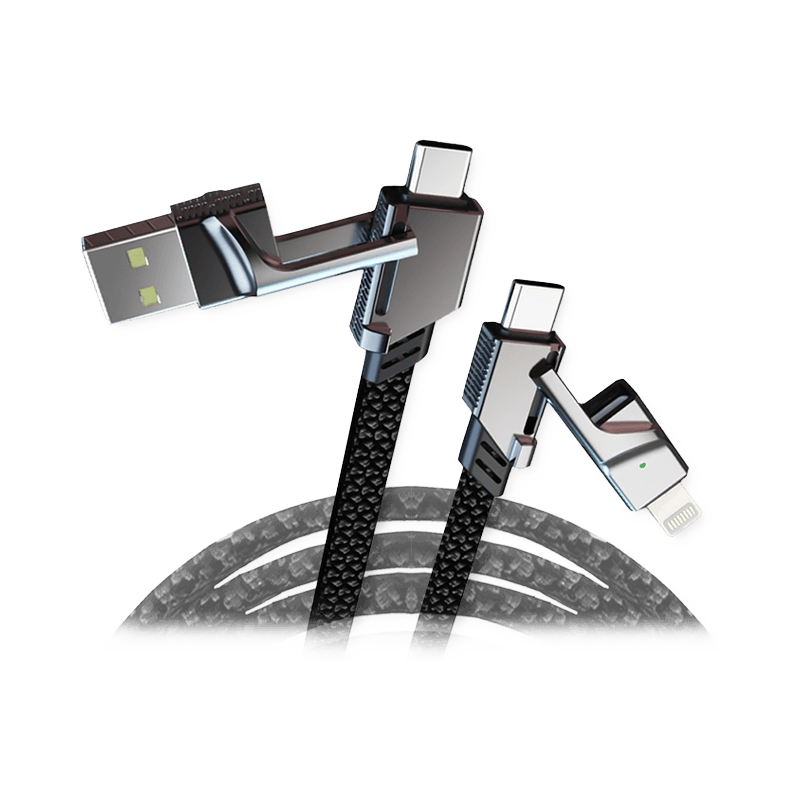
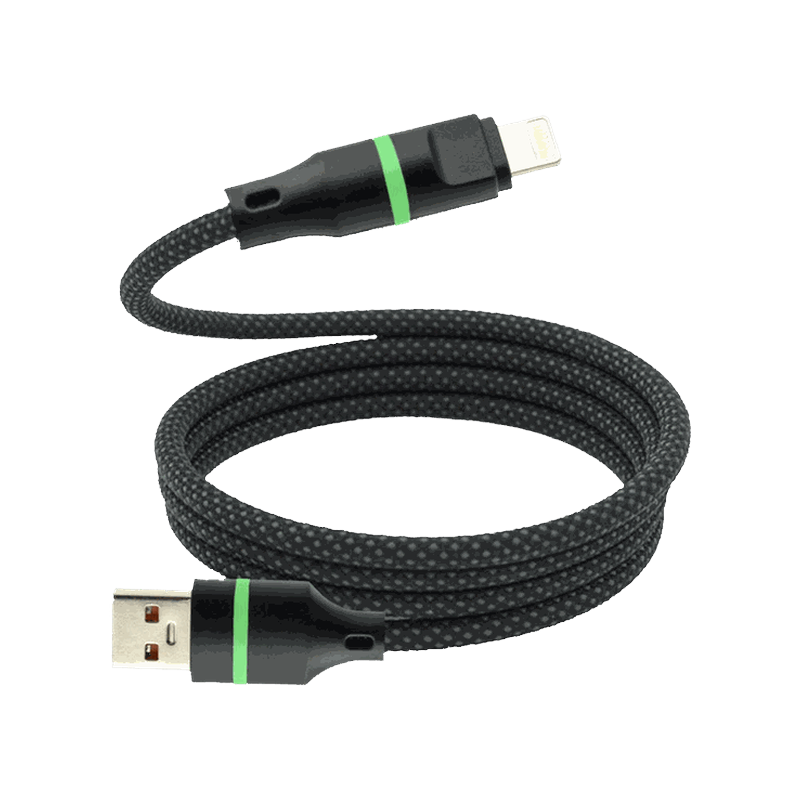
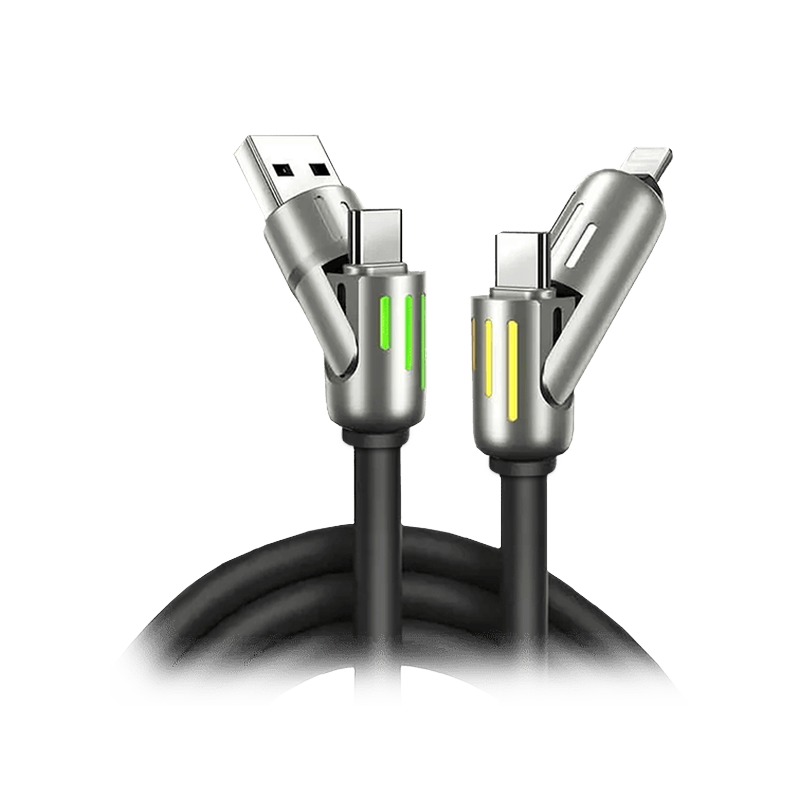
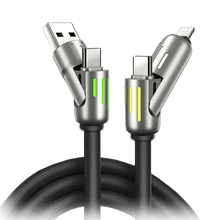
The Titan Smart Cable is a replacement for the moment a different cable fixes the problem. The Titan Smart Cable comes as USB-A to Lightning or USB-C, or USB-C to Lightning or USB-C, with a cable tie for storage. The store lists the cable in 4ft (1.2m), 6ft (1.8m) and 10ft (3.0m) lengths. Titan Power Plus states maximum speed requires pairing the cable with the Titan PD Plug25.
Titan Power Plus states the cable's built-in chip regulates power flow to prevent overheating, overcharging and battery wear26. Titan Power Plus states the cable can charge most phones in under 30 minutes with a USB-C PD charger27. Titan Power Plus states the Titan Cable Pro supports up to 100W charging on USB-C PD10. The full list of compatible phones, other makes included, sits on the product page. The table below sets out what the maker's own pages state, each row read on 3 November 2026.
- Connector: match the wall port, USB-A or USB-C, and the phone end, USB-C or Lightning.
- Apple fit: Titan Power Plus lists iPhone 14, 13, 12 and SE, iPad and MacBook Air/Pro as compatible28.
- Case fit: the low-profile 90° connector is designed to fit through most protective phone cases, Titan Power Plus states29.
- Cover: Titan Power Plus states the cable carries a 2-Year Limited Warranty17.
Products in this guide
$28.75 Price read 3 November 2026, 00:12 EST [30]
View the 240W PrismCore Cable
Common questions
Can a new cable fix a phone that won't charge?
A new cable fixes a phone that won't charge only when the old cable was at fault. A different charger and cable is the test, Android Authority advises2. A phone that charges on the test setup is ready for a new cable, such as the Titan Smart Cable.
Which Titan Smart Cable connector do I need?
The Titan Smart Cable connector you need matches your wall plug and your phone. The Titan Smart Cable comes with USB-A or USB-C at the wall end, and USB-C or Lightning at the phone end. The product page shows each version.
Does the Titan Smart Cable work with an iPhone?
Titan Power Plus lists iPhone 14, 13, 12 and SE, iPad and MacBook Air/Pro as compatible with the Titan Smart Cable28. The Titan Smart Cable comes with a Lightning or a USB-C phone end.
Will the Titan Smart Cable fit through my phone case?
Titan Power Plus states the low-profile 90° connector on the Titan Smart Cable is designed to fit through most protective phone cases29. A very thick case is worth checking against the product page.
See the Titan Smart Cable's connectors, lengths and compatible devices on its product page.
View the Titan Smart CableHow we made this guide
- Who: Titan Power Plus.
- How: we read 30 sources, the latest on 3 November 2026, and every price, date and figure here is traced to one of them below. The guide was drafted with AI tools.
- Why: to answer “Why is my phone not charging, and how do I fix it?” before you buy.
Sources (30)
- Android Authority says that if a Samsung phone doesn't charge, the first check is the USB-C port for debris or moisture. · androidauthority.com/samsung-galaxy-phone-not-charging-3209842 · read
- Android Authority advises plugging in with a different USB-C wall charger and cable to rule out a faulty adapter or cable. · androidauthority.com/samsung-galaxy-phone-not-charging-3209842 · read
- Samsung One UI: Android Authority says Samsung's One UI automatically blocks charging when the phone detects water inside the USB-C port. · androidauthority.com/samsung-galaxy-phone-not-charging-3209842 · read
- Samsung: Android Authority says that if no charging animation appears even on a wireless charger, the device may need a Samsung inspection. · androidauthority.com/samsung-galaxy-phone-not-charging-3209842 · read
- Android Authority says sand, lint and dust commonly build up in the USB-C charge port over years of use. · androidauthority.com/samsung-galaxy-phone-not-charging-3209842 · read
- Android Authority says debris affecting only a few pins can stop a device from fast charging. · androidauthority.com/samsung-galaxy-phone-not-charging-3209842 · read
- Android Authority advises using a fine toothpick to clear dust or foreign objects from the port. · androidauthority.com/samsung-galaxy-phone-not-charging-3209842 · read
- Android Authority suggests a can of compressed air as the alternative if you are unsure about causing damage. · androidauthority.com/samsung-galaxy-phone-not-charging-3209842 · read
- Samsung Samsung Galaxy smartphones: Android Authority says many modern Samsung Galaxy phones have IP67 or IP68 water resistance. · androidauthority.com/samsung-galaxy-phone-not-charging-3209842 · read
- Titan Power Plus states the Titan Cable Pro supports up to 100W charging on USB-C PD. · titanpowerplus.com/products/cable-pro · read
- Titan Power Plus states the PrismCore cable supports up to 240W. · titanpowerplus.com/products/prismcore · read
- Titan Power Plus states the cable charges 50% in 20 minutes. · titanpowerplus.com/products/cable-pro · read
- Titan Power Plus states the PrismCore cable charges 50% in 10 minutes. · titanpowerplus.com/products/prismcore · read
- Titan Power Plus states the cable supports USB 3.1 data transfer at 10 Gbps. · titanpowerplus.com/products/cable-pro · read
- Titan Power Plus states the cable has a 300,000+ bend lifespan. · titanpowerplus.com/products/cable-pro · read
- Titan Power Plus states the PrismCore cable handles over 100,000 bends without breaking. · titanpowerplus.com/products/prismcore · read
- Titan Power Plus states the cable carries a 2-Year Limited Warranty. · titanpowerplus.com/products/cable-pro · read
- Titan Power Plus offers a 30-day return policy. · titanpowerplus.com/products/prismcore · read
- Android Authority says any Qi wireless charger should work as a test, even one from a different brand. · androidauthority.com/samsung-galaxy-phone-not-charging-3209842 · read
- Samsung Samsung Galaxy smartphones: Android Authority says holding Volume Down and Power for 10 to 20 seconds forces a Samsung phone to shut down and restart. · androidauthority.com/samsung-galaxy-phone-not-charging-3209842 · read
- Android Authority says batteries and charge ports commonly degrade over three or more years of use. · androidauthority.com/samsung-galaxy-phone-not-charging-3209842 · read
- Android Authority says repeated plugging and unplugging can irreversibly wear out the charge port. · androidauthority.com/samsung-galaxy-phone-not-charging-3209842 · read
- Android Authority says USB-C ports can only survive a few thousand insertion cycles. · androidauthority.com/samsung-galaxy-phone-not-charging-3209842 · read
- Android Authority says a device that no longer fast charges or cannot transfer files over a data cable may have a failing port. · androidauthority.com/samsung-galaxy-phone-not-charging-3209842 · read
- Titan Power Plus states that maximum speed requires pairing the cable with the Titan PD Plug. · titanpowerplus.com/products/cable-pro · read
- Titan Power Plus states the cable's built-in chip regulates power flow to prevent overheating, overcharging and battery wear. · titanpowerplus.com/products/cable-pro · read
- Titan Power Plus states that with a USB-C PD charger the cable can charge most phones in under 30 minutes. · titanpowerplus.com/products/cable-pro · read
- Titan Power Plus lists iPhone 14, 13, 12 and SE, iPad and MacBook Air/Pro as compatible. · titanpowerplus.com/products/cable-pro · read
- Titan Power Plus states the low-profile 90° connector is designed to fit through most protective phone cases. · titanpowerplus.com/products/cable-pro · read
- 240W PrismCore Cable™ price at titanpowerplus.com · titanpowerplus.com/products/prismcore · read

