


Sarah from Titan Power Plus5 min read

The short answer
You need a 240W USB-C cable only when a device charges above 100W, because a 100W cable is rated for 20V at 5A1. The iPhone 18 Pro asks for a 60W-capable cable2. Apple says the MacBook Pro 16-inch fast charges from 140W or higher, more than a 100W cable carries3. The 240W PrismCore Cable is rated 240W.
Key takeaways
- A 100W USB-C cable is rated for 20V at 5A, the ceiling before USB PD 3.11.
- USB PD 3.1 adds 28V, 36V and 48V levels for 140W, 180W and 240W4.
- The iPhone 18 Pro asks for a 60W-capable cable, and the Pixel 11 Pro XL fast charges from a 45W charger2,5.
- The MacBook Pro 16-inch fast charges from 140W or higher, which is beyond a 100W cable3.
- Only a cable on the USB-IF Integrators List may carry the CERTIFIED wattage logo6.
What do 60W, 100W and 240W on a USB-C cable mean?
USB-IF's charger page, read 31 October 2026, says USB PD was limited to 100W before Revision 3.1, using 20V with USB Type-C cables rated at 5A1. USB PD Revision 3.1, announced in 2021, enables up to 240W over a full-featured USB Type-C cable and connector7. It adds fixed levels of 28V, 36V and 48V, which enable 140W, 180W and 240W4. The USB Type-C specification was updated to Release 2.1 to define the requirements for a 240W cable8.
A 60W rating means 20V at 3A9. USB-IF's logo guidelines give the example of a 20Gbps cable that supports 20V at 3A, which carries the 20Gbps/60W logo9. To pass the USB-IF Compliance Program, every USB-C to USB-C cable must be labelled with its data rate and power wattage logo9. The wattage is the most power the cable is rated to carry. Your device and charger decide how much of it they use.
| Device | Its maker asks for | Cable that covers it |
|---|---|---|
| MacBook Pro 16-inch | 140W USB PD for fast charge | a 240W-rated USB-C cable |
| iPhone 18 Pro | 60W-capable USB-C cable + AVS adapter | a 60W (20V 3A) cable or higher |
| Pixel 11 Pro XL | 45W PPS charger | a 60W cable or higher |

How can I tell a wattage label is genuine?
USB-IF's cable logo guidelines, read 31 October 2026, say the USB 2.0 Type-C Cable Power Rating logo, for 240W or 60W, may be used only with a cable that passed the USB-IF test procedure and is posted on the USB-IF Integrators List6. That logo must carry the word CERTIFIED6. A wattage printed on a box or a listing is the seller's own statement. The CERTIFIED logo and an Integrators List entry are the standards body's check, so look for both before you rely on a 240W figure.
| Cable | Rating the seller states | Price |
|---|---|---|
| Apple 240W USB-C Charge Cable (2 m) | 240W, USB 2 data | 29.00 |
| Apple 60W USB-C Charge Cable (1 m) | 60W | 19.00 |
| UGREEN Nexode 240W USB-C Cable (2 m) | 240W | 19.98 |
| Titan Smart Cable PRO | up to 100W | 25.95-27.95 |
What do my phone and laptop actually ask for?
Start with your device maker's own page, because a cable only needs to cover what the device asks for. Apple's page for the iPhone 18 Pro, read 31 October 2026, says it wired fast charges with a 60W-capable USB-C cable and a USB PD adapter with AVS2. AVS is the USB PD 3.1 mode that lets a device request voltages between 15V and the charger's highest fixed voltage14. Google says the Pixel 11 Pro XL charges up to 75% in about 30 minutes with a 45W USB-C PPS charger or higher5.
Laptops are where the numbers climb. Apple says the MacBook Pro 16-inch is fast-charge capable with a 140W or higher USB PD power source, recommends at least 94W, and ships with a 140W USB-C Power Adapter3. A 60W cable sits below that 94W minimum, and a 100W cable sits below the 140W fast charge level3. USB PD 3.1 reaches 140W at 28V, above the 20V and 5A of a 100W cable4. The table on this page sets each device beside the cable rating that covers it.

Does my charger need to support 240W as well?
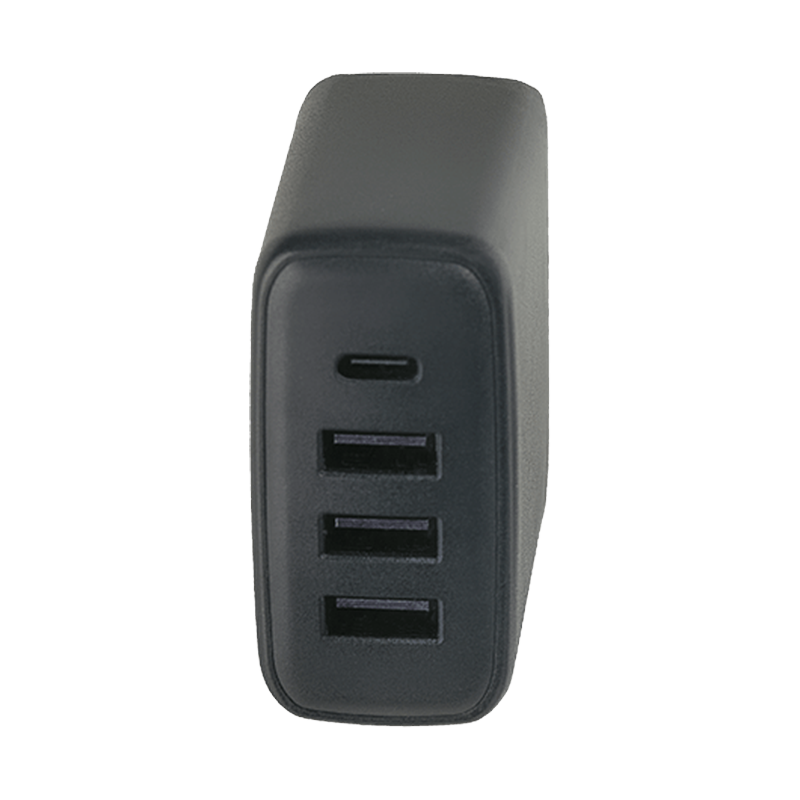
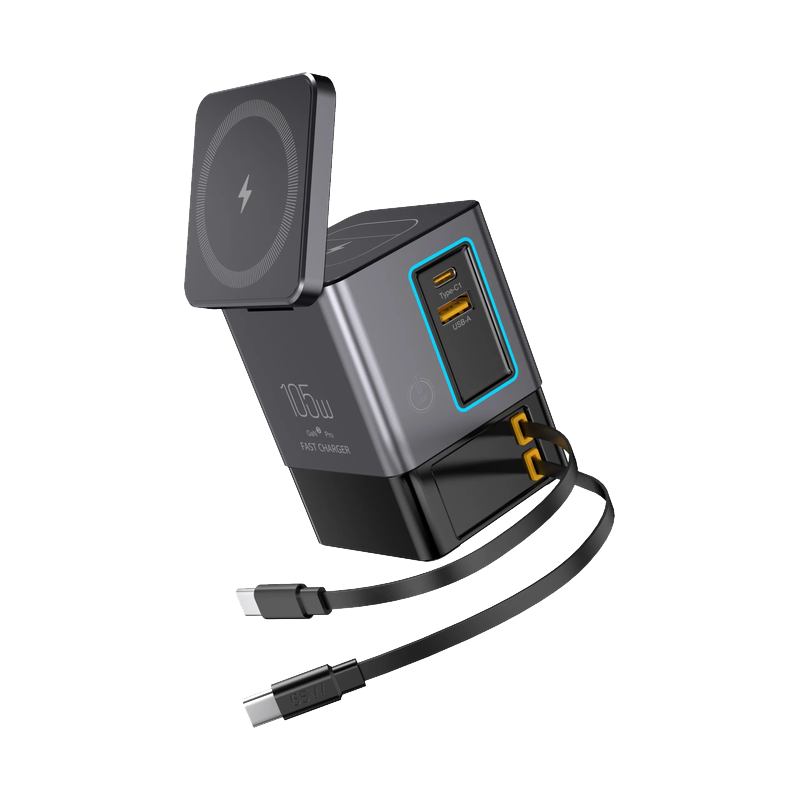
Yes. A cable carries power, but the charger has to offer it. UGREEN says the USB-C1 port on its Nexode 500W station gives up to 240W at 48V and 5A, which makes it a charger that can use a 240W cable15. Titan's own 330W GaN PowerStation gives up to 100W on each USB-C port, so a 100W cable rated at 5A covers every port16. On that charger, a 240W cable does not raise the 100W each port gives16.
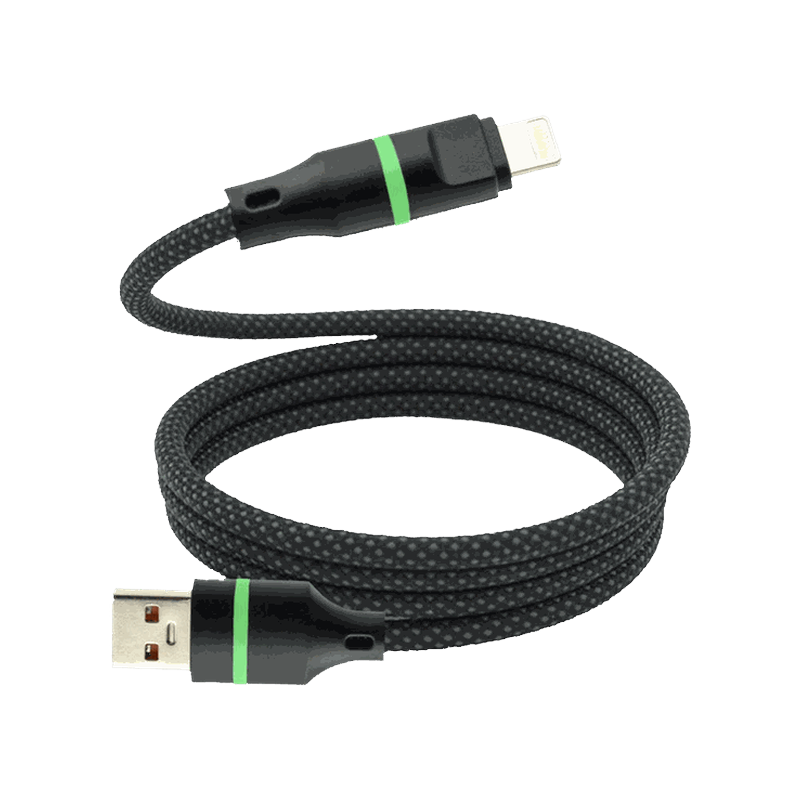
So match the cable to the strongest port you plug it into and the hungriest device you charge. If both stay at 100W or below, a 100W cable covers you. Titan's Smart Cable PRO is listed at up to 100W charging on USB-C PD13.
Where does the 240W PrismCore Cable fit?
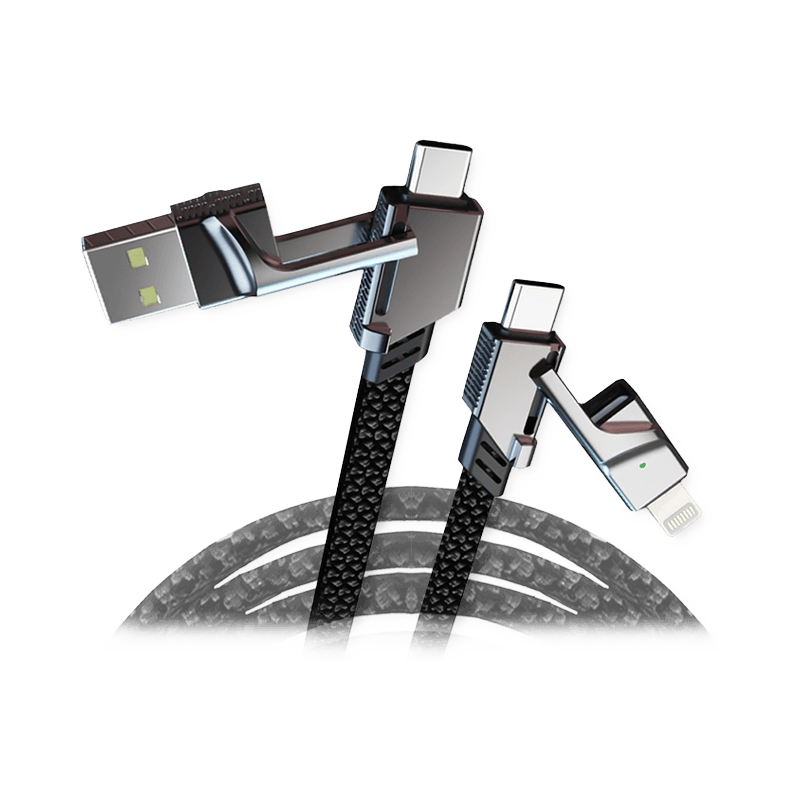
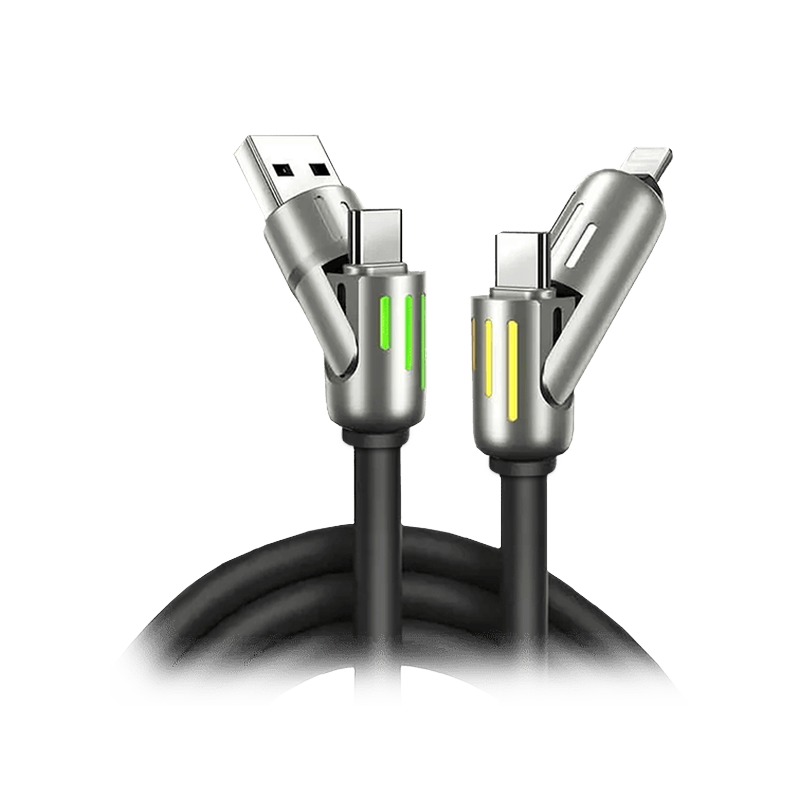
The 240W PrismCore Cable is listed at 240W. Its product page says it is built to charge laptops, phones, tablets and more, with no adapters needed. It suits a desk or bag where a laptop asks for more than 100W from a charger that can supply it.
The product page says the reinforced silicone and zinc alloy build handles daily wear and over 100,000 bends without breaking. The thick, tangle-free design is made to stay neat in the car, at home or on the road. Each cable comes with a 30-day guarantee and 24/7 support. For its lengths, its certification and which connector carries which wattage, check the product page before you buy.
Products in this guide
$28.75 Price read 31 October 2026, 15:35 EDT [17]
View the 240W PrismCore Cable$115.00 Price read 31 October 2026, 15:35 EDT [18]
View the 330W GaN PowerStation


Common questions
Will a 240W cable charge my phone faster than a 60W one?
Not on its own. Apple asks for a 60W-capable cable for the iPhone 18 Pro, and the phone and charger set the pace2. The 240W PrismCore Cable adds headroom for a laptop on the same cable.
Is a 100W cable enough for a MacBook Pro 16-inch?
It covers Apple's 94W recommended minimum, but Apple's fast charge level is 140W or higher3. For that, use a cable rated above 100W, such as the 240W PrismCore Cable, with a charger that supplies 140W or more.
How do I check that a cable is really rated 240W?
Look for the USB-IF CERTIFIED power rating logo and the cable's entry on the USB-IF Integrators List6. For the 240W PrismCore Cable, check the product page or ask the 24/7 support team before you buy.
Do I need a 240W cable for the 330W GaN PowerStation?
No. Each USB-C port on the 330W GaN PowerStation gives up to 100W, so a 100W cable rated at 5A covers every port16. The 240W PrismCore Cable is for a charger whose port goes above 100W.
Take a look at the 240W PrismCore Cable page and check it against the devices you charge.
View the 240W PrismCore CableHow we made this guide
- Who: Titan Power Plus.
- How: we read 18 sources, the latest on 31 October 2026, and every price, date and figure here is traced to one of them below. The guide was drafted with AI tools.
- Why: to answer “Do I need a 240W USB-C cable, or is 60W or 100W enough for my devices?” before you buy.
Sources (18)
- USB-IF: before PD 3.1, USB PD was limited to 100W, using 20V with USB Type-C cables rated at 5A · usb.org/usb-charger-pd · read
- Apple iPhone 18 Pro: wired fast charge with a 60W-capable USB-C cable and a USB PD adapter with AVS · apple.com/iphone-18-pro/specs · read
- Apple MacBook Pro 16-inch: fast-charge capable with a 140W or higher USB PD power source; minimum recommended 94W; ships with a 140W USB-C Power Adapter · apple.com/macbook-pro/specs · read
- USB-IF: new 28V, 36V and 48V fixed voltages enable 140W, 180W and 240W · usb.org/usb-charger-pd · read
- Google Pixel 11 Pro XL: up to 75% in about 30 minutes with a 45W USB-C PPS charger or higher · store.google.com/us/product/pixel_11_pro_specs · read
- USB-IF: the USB 2.0 Type-C Cable Power Rating logo (240W or 60W) may be used only with a cable that passed the USB-IF test procedure and is posted on the USB-IF Integrators List; the logo must carry the word CERTIFIED · usb.org/sites/default/files/usb_type-c_cable_logo_usage_guidelines_jan26_final.pdf · read
- USB-IF: USB PD Revision 3.1 (announced 2021) enables up to 240W over a full-featured USB Type-C cable and connector · usb.org/usb-charger-pd · read
- USB-IF: the USB Type-C specification was updated to Release 2.1 to define 240W cable requirements · usb.org/usb-charger-pd · read
- USB-IF cable logo guidelines: to pass the USB-IF Compliance Program, all USB-C to USB-C cables must be labelled with the appropriate data rate and power wattage logo (e.g. a 20Gbps cable that supports 20V at 3A carries the 20Gbps/60W logo) · usb.org/sites/default/files/usb_type-c_cable_logo_usage_guidelines_jan26_final.pdf · read
- Apple 240W USB-C Charge Cable (2 m): supports charging up to 240 watts and transfers data at USB 2 rates; price at apple.com · apple.com/shop/product/myqt3am/a/240w-usb-c-charge-cable-2-m · read
- Apple 60W USB-C Charge Cable (1 m): price at apple.com · apple.com/shop/product/mw493am/a/60w-usb-c-charge-cable-1-m · read
- UGREEN Nexode 240W USB-C Cable with Digital Display, 2 m: price at us.ugreen.com · us.ugreen.com/products/ugreen-240w-usb-c-cable · read
- Titan Smart Cable PRO: “up to 100W charging on USB-C PD” · titanpowerplus.com/products/titan-smart-cable%E2%84%A2-pro · read
- USB-IF: an adjustable voltage supply mode lets the powered device request intermediate voltages between 15V and the maximum fixed voltage of the charger · usb.org/usb-charger-pd · read
- UGREEN Nexode 500W station: its USB-C1 port gives up to 240W (48V 5A): a charger that can use a 240W cable · us.ugreen.com/products/ugreen-500w-usbc-desktop-charger · read
- Titan 330W PowerStation: its USB-C ports give up to 100W each: a 100W (5A) cable covers every port · titanpowerplus.com/products/330w-powerstation · read
- Titan Power Plus 240W PrismCore Cable™: price $28.75 · titanpowerplus.com/products/prismcore · read
- Titan Power Plus 330W GaN PowerStation™: price $115.00 · titanpowerplus.com/products/330w-powerstation · read